
Colorado VINE and County Custody
Colorado VINE, often shortened to COVINE, is the state's custody-status and victim-notification service. Two doors lead in: Colorado VINE and VINELink. There is also a phone line, 888-263-8463. The system pulls booking data from participating county jails, which makes it strong for checking current custody and setting alerts. It is not a complete Colorado arrest history. It is not a statewide jail roster either.
A VINE result reflects what one connected facility has reported. It may leave out the arresting officer's report, the full booking sheet, or a court filing. Those records have different custodians. Someone arrested by a municipal officer or a state trooper can still land in a county jail. It is the jail's participation, not the arresting officer's badge, that decides whether a custody event reaches VINE.
Alert registration costs nothing. Once signed up, a registered person can be notified of release, transfer, escape, or other status changes. The local system decides which ones it supports. That makes the service a practical layer for staying informed. When the question is urgent or a record looks thin, though, the jail itself remains the direct source.
According to Colorado budget material, VINE is operated by the County Sheriffs of Colorado, with participating county-jail booking systems supplying the information. That structure explains a lot. The statewide entry point depends on local data feeds. Results can differ from facility to facility, and one jail may send fields or updates that another never sends at all.
Search a Colorado Arrest on VINELink
VINELink's screens can change, so follow the Colorado selection and search options displayed at the time of lookup. Enter a name. Add a booking identifier when one is known. Careful matching matters, because common names can return several people and the list may not show enough detail to identify anyone safely. The search path is:
- Open VINELink's state-selection page and choose Colorado.
- Choose the statewide or county/facility search option that the live page offers.
- Enter the person's exact last name and first name or initial. If available, search with the inmate or booking number.
- Review every close match and compare the facility and other identifying details shown before opening a result.
- Open the matching custody record to review its status and available alert controls.
VINELink's Colorado selection page is the current entry point for a search. Screens shift over time. Use the live form, not an old screenshot, as the working set of steps.
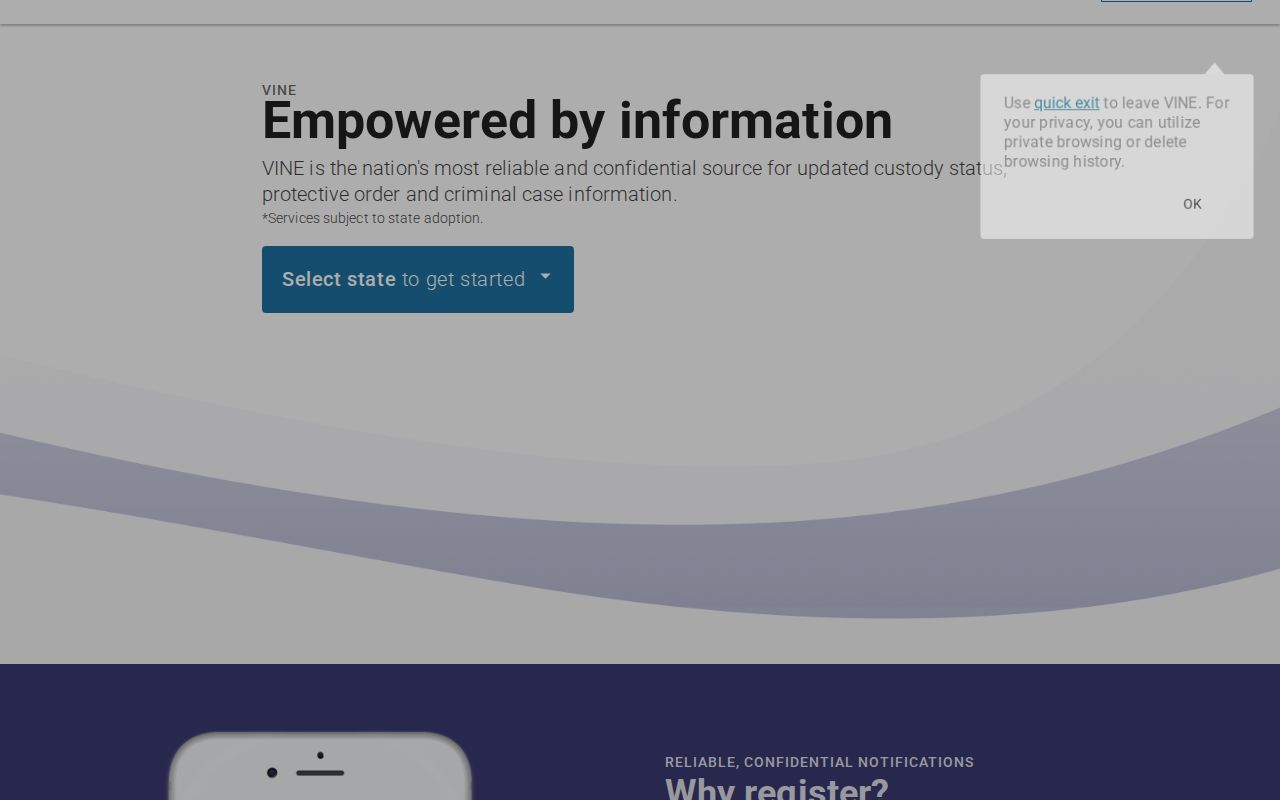
The selection view simply routes a query into the right state's custody systems. It confirms no booking on its own. It does not show every county's participation. When several records appear, resist assuming the first name match is the right person. Work through every identifier available. If the VINE record is absent or unclear, confirm a fresh booking with the arrest county's official source. The Colorado County Directory routes a search to the local record custodian for that county.
Note: Similar names can produce several matches, so confirm a second identifier before registering for alerts.
Colorado VINELink Custody Results
A result is a custody-status record from the participating agency. Fields vary by system. Some installations show more detail than others, and a booking photograph is never guaranteed. The table describes common kinds of information. It is not a promise that every Colorado result carries every field.
| Result detail | What it can tell you |
|---|---|
| Person match | Name and any available identifying details help distinguish similar records. Confirm a match with the facility or another official source. |
| Custody status | The status reported by the connected county system, which can change after release or transfer. |
| Facility | The jail or detention facility associated with the reported custody event, if the system supplies it. |
| Status updates | Available event changes and controls for registering for notices about a future change. |
| Photo | A photo may appear in some deployments, but Colorado VINE has no universal public photo policy. |
VINE does not provide a full arrest timeline. A booking that has ended may not be preserved. The service also does not decide whether charges were filed or what a judge later ordered. Case questions belong to the court docket. A custody result, standing alone, is simply a status snapshot from one participating system.
Register for Colorado VINE Arrest Alerts
Open the matching record. Use the alert control attached to it. Colorado instructions list phone, email, text, and TTY as available choices. Options vary by facility and by the current interface. Never register against a name-only guess; confirm the person first. The practical registration sequence is:
- Search for Colorado and open the correct county or facility result.
- Choose the record that matches the person, using the identifiers on screen.
- Select the phone, email, text, or TTY notification option the record offers.
- Enter the PIN or other verification step requested by the current service. Historical Colorado instructions document a four-digit PIN for phone or text registration.
- Review the event types and contact details, then keep that contact information current.
Douglas County's official VINE instructions show the search-to-registration flow for a local jail. They are a useful illustration. They are not a promise that every jail shows the same screens or the same notification choices.
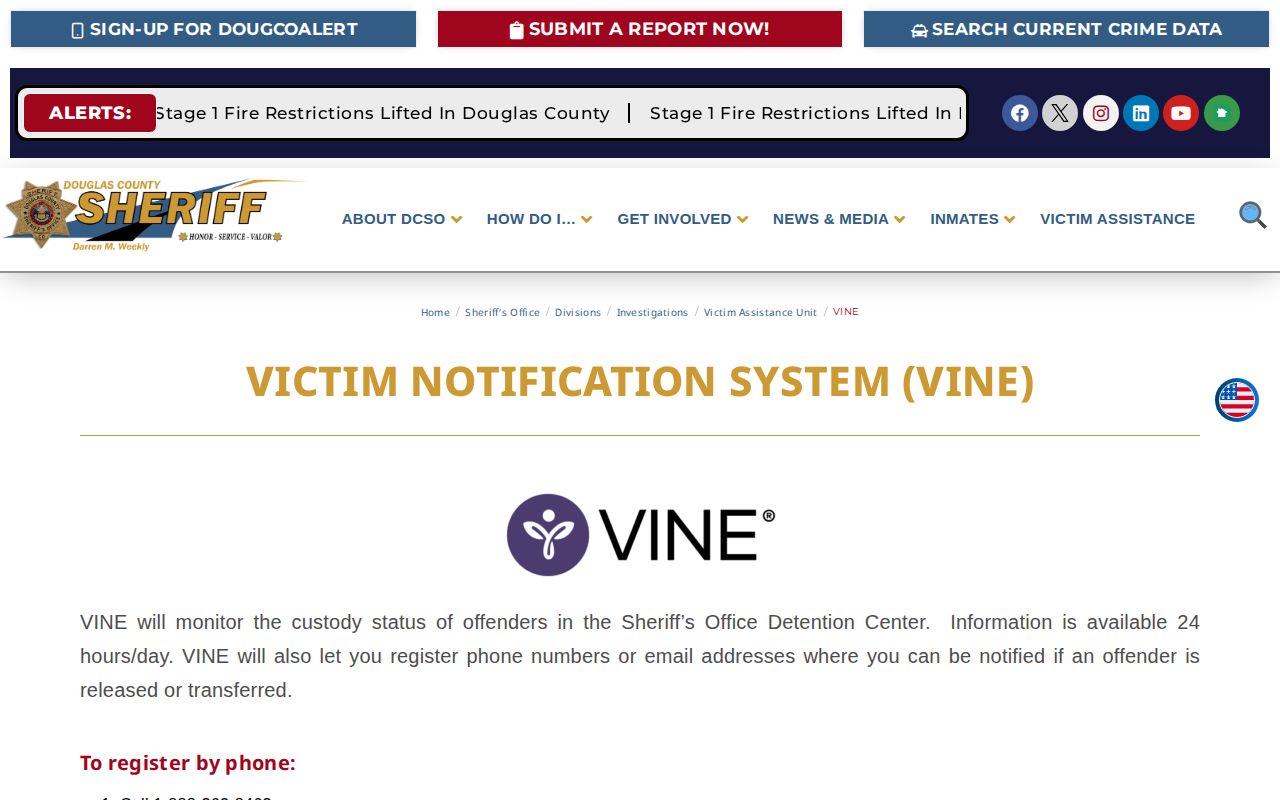
The county instructions walk a user from a custody search to a live alert. Follow the facility options the service currently displays. Denver's victim-notification page describes phone, email, and text registration through a four-digit PIN. It notes the service's Denver City and County scope. That local boundary matters when a person is moved.
Alerts can cover release, transfer, escape, death, or other events a participating system has configured. Delivery can lag behind the event itself. Keep the PIN and account details private, and update a changed phone or email promptly. A successful registration is not a safety plan on its own. Check the facility's live options. Guard the PIN.
Note: Alert options and PIN steps depend on the selected county system and may change with the live interface.
Colorado Jail Participation Is Uneven
County participation is not a statewide yes-or-no setting. Official county materials or custody routes directly documented VINE deployment for Adams, Arapahoe, Broomfield, Clear Creek, Denver, Douglas, Gunnison, Jefferson, Kit Carson, La Plata, Larimer, Park, and Weld. Examples include the Clear Creek custody-status page, Larimer County's VINE page, and Weld County Victim Services. These references establish local deployments, not identical data or alert features across the state.
For Alamosa, Archuleta, Baca, Bent, Boulder, Chaffee, Conejos, Costilla, Crowley, Custer, Delta, Dolores, Elbert, El Paso, Fremont, Garfield, Grand, Hinsdale, Huerfano, Jackson, Kiowa, Lake, Lincoln, Logan, Mesa, Mineral, Moffat, Montezuma, Montrose, Morgan, Otero, Ouray, Phillips, Pitkin, Prowers, Pueblo, Rio Blanco, Rio Grande, Routt, Saguache, San Juan, San Miguel, Sedgwick, Summit, Teller, Washington, and Yuma, the research did not confirm current local participation. Cheyenne, Eagle, Gilpin, and Las Animas were not represented in the source's verification or gap lists, so their current status is also unconfirmed here. For any other county not named as verified, test the live selector or ask the local jail. Unconfirmed does not mean nonparticipating.
A county link to the statewide VINELink screen is not proof its booking system feeds the data. Participation can lapse over time, too. Call the likely jail directly for urgent questions.
Colorado CDOC Custody Alerts
State prison is a different custody stage. Colorado's Department of Corrections runs its own victim-notification program. The 2024 legislative record quotes the CDOC position that it does not use VINE for post-sentencing notices. County VINE covers participating jail data only. Treat it as a jail feed, never a CDOC feed.
A person can move from a county jail to state prison. The county VINE result then disappears. That vanishing row does not mean release into the community. Denver's DA explains the local limit. Post-sentencing notices come from a separate program. State-prison custody questions belong with CDOC channels, starting with its offender search.
The CDOC locator asks for a DOC number, name, and gender. It also uses a CAPTCHA. A resulting profile describes state-custody status, sentence details, and release data where shown. That is not a county booking record. It is not evidence of a new arrest either. The two tools answer different questions. One delivers configured custody notices; the other lets the public search an offender profile. So a stopped alert deserves a second look. A transfer changes the custodian and can end the county system's view, so confirm the receiving system before reading a missing row as a release.
Note: A county alert that ends may signal a transfer, so confirm the next custodian before assuming a release.
Confirm a Colorado Arrest on VINELink
A fresh arrest rarely shows up instantly. Booking, data entry, and the VINE update are separate steps. The jail processes a new arrival first. The record can lag behind for hours. A no-result can also stem from a spelling difference, a transfer, a release, juvenile limits, or a nonparticipating facility.
Work the county angle for recent events. Check the receiving county's own booking or current-custody source. Call its records or detention unit when the online record is unclear. The Colorado same-day arrest landscape explains why county views post on different windows and timelines. An arresting-agency report or court case lives with that agency or court. A VINE result replaces neither.
VINELink is not a same-day booking archive. It is not a court search or a statewide criminal-history record. It is not a photo source either. Federal custody sits outside it completely. BOP, ICE, and the U.S. Marshals Service each run separate systems. A person awaiting federal proceedings may sit with the Marshals first. An ICE detainee won't match a county search.
Keep the source and time of any result in view. Status changes after a lookup, and an alert can lag the event; for immediate danger call 911, and for local custody questions use the jail that holds or last held the person.